AI product images on Google Shopping: what you inherit
Google's metadata rule, its AI label setting, and the Misrepresentation risk of a redrawn label, explained for beverage catalogs.


Google does not ban AI-generated product images in Merchant Center. It requires every image created with generative AI to carry metadata that says so, and it may show shoppers an AI label you cannot remove.
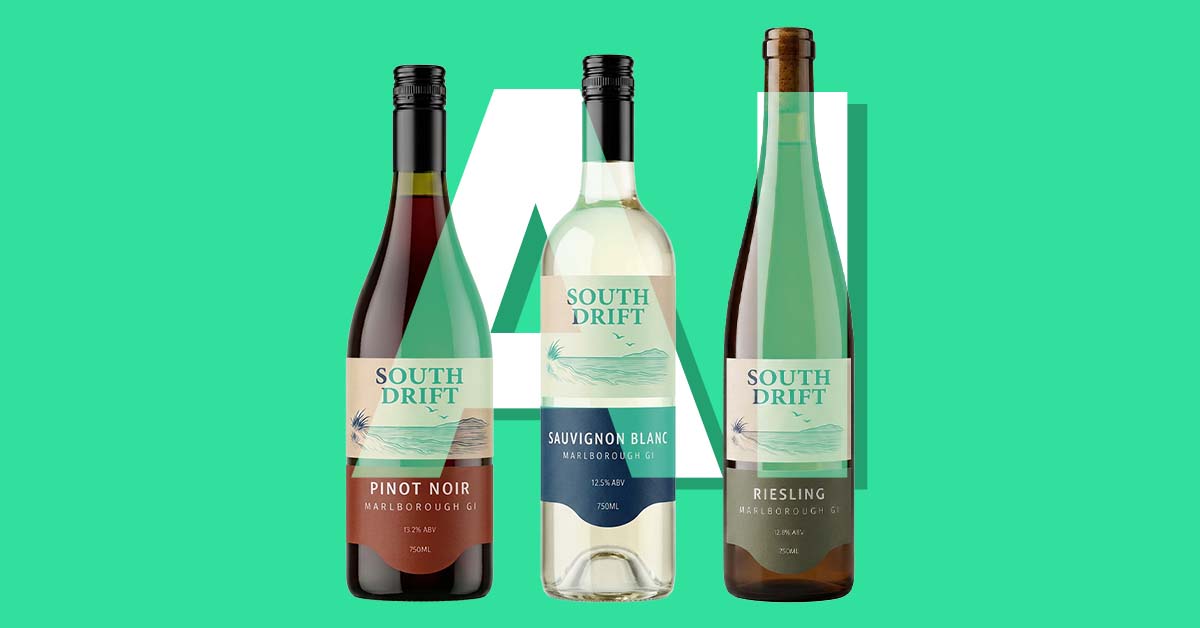
For a beverage catalog, the bigger risk sits on the bottle itself. A generative tool can redraw a label wrong, and a wrong appellation or ABV on a listing is a Misrepresentation problem under Google's own policy.
You carry labels you do not own. The producer never sent a photo, the listing goes live this week, and a generative tool will fill the gap on request.
That shortcut now comes with three obligations, and the brand or retailer that uploads the image inherits all of them. This guide walks through each one using Google's own wording, then shows how to check the images already in your feed.
What Google requires for AI-generated product images
Google requires metadata on every product image created with generative AI. The rule sits in its own "AI image metadata" section of the image_link specification:
"All images created using generative AI must contain meta data indicating that the image was AI-generated (for example, the IPTC DigitalSourceTypeTrainedAlgorithmicMedia metadata tag)."
The same section tells merchants not to remove embedded tags such as the IPTC DigitalSourceType property, including from images made with Google's own Product Studio. It names three IPTC Digital Source Type codes that should be preserved.
The three codes Google names
- TrainedAlgorithmicMedia: the image was created by a generative AI model
- CompositeSynthetic: a composite where at least one element is generative AI
- AlgorithmicMedia: created purely by an algorithm with no sampled training data, such as a mathematical formula
The rule is not new. Google's 2024 product data specification update points back to a February 2024 update on the same tag.
What changed in 2026 is what Google does with the signal. The tag now feeds a label shoppers can see.
How to keep the AI tag intact in your feed
The tag has to survive all the way to the file your image_link URL serves. Google reads the hosted image, not the copy on your desktop.
Every step between the generator and the feed is a chance to lose it. Exports, background removal, compression, resizing and image hosting can each rewrite a file's metadata.
So check after the last step, not the first. Open the image at the exact URL in your feed and confirm the Digital Source Type field is still there.
When Google shows an AI label on your ads
Google can show shoppers that an asset was made with AI, and in three regions that label sits on the ad itself. The AI label setting in Merchant Center lets you mark an image as created or edited with AI, which adds a disclosure to the "How this ad was made" panel, accessible globally.
Visible overlays then appear on ads with those assets in campaigns that target three places
- European Union
- India
- New York
Google introduced the "How this ad was made" panel on July 9, 2026. Its Merchant Center page adds two lines that matter for anyone filling a catalog with generated images.
"Google may label your assets in some cases, such as in regions where Google itself is legally required to do so, or when we get signals to do so from other platforms." And: "In any of these cases, labels cannot be overwritten."
Google also says that "labeling with this feature might impact whether this content appears on some experiences." A spirits retailer running a holiday campaign into New York or the EU could see that overlay on every AI-filled SKU in the ad set.
Why a redrawn label is a Misrepresentation risk
A generative model redraws your label instead of placing it, and Google's Misrepresentation policy covers what happens when the result is wrong. It does not allow:
"Offers that represent you or your products in a way that isn't accurate, realistic, and truthful."
Text breaks quietly. Generative models scramble type, invent an appellation you never wrote, or shift the ABV by a point, and the errors look plausible enough to slip past a quick glance onto a buyer's screen.
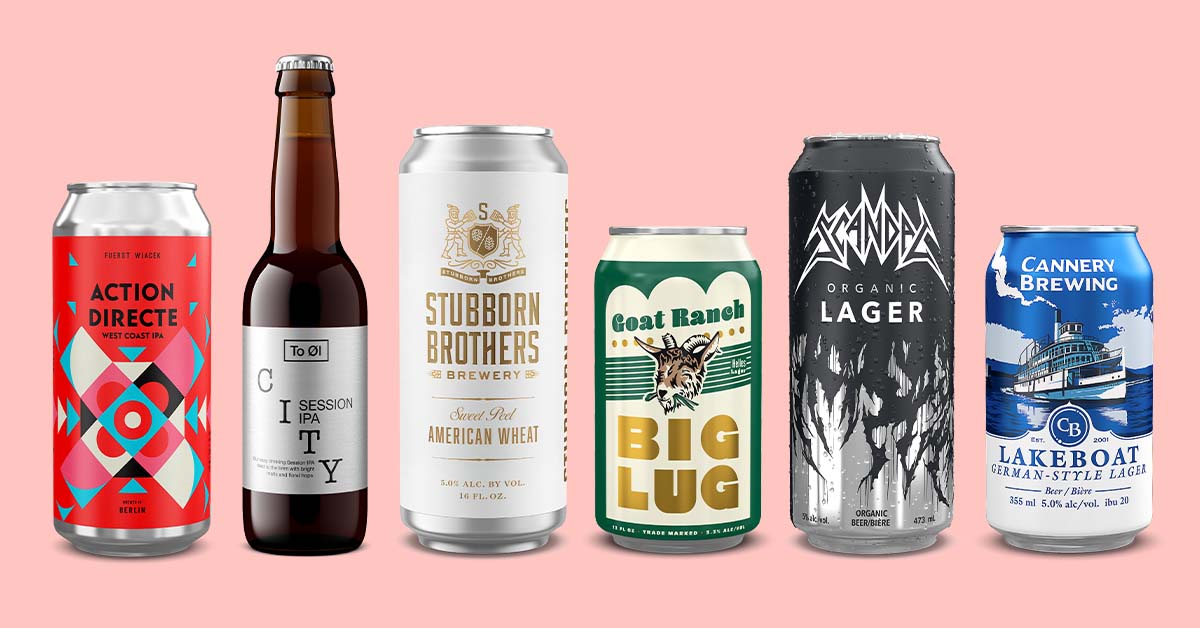
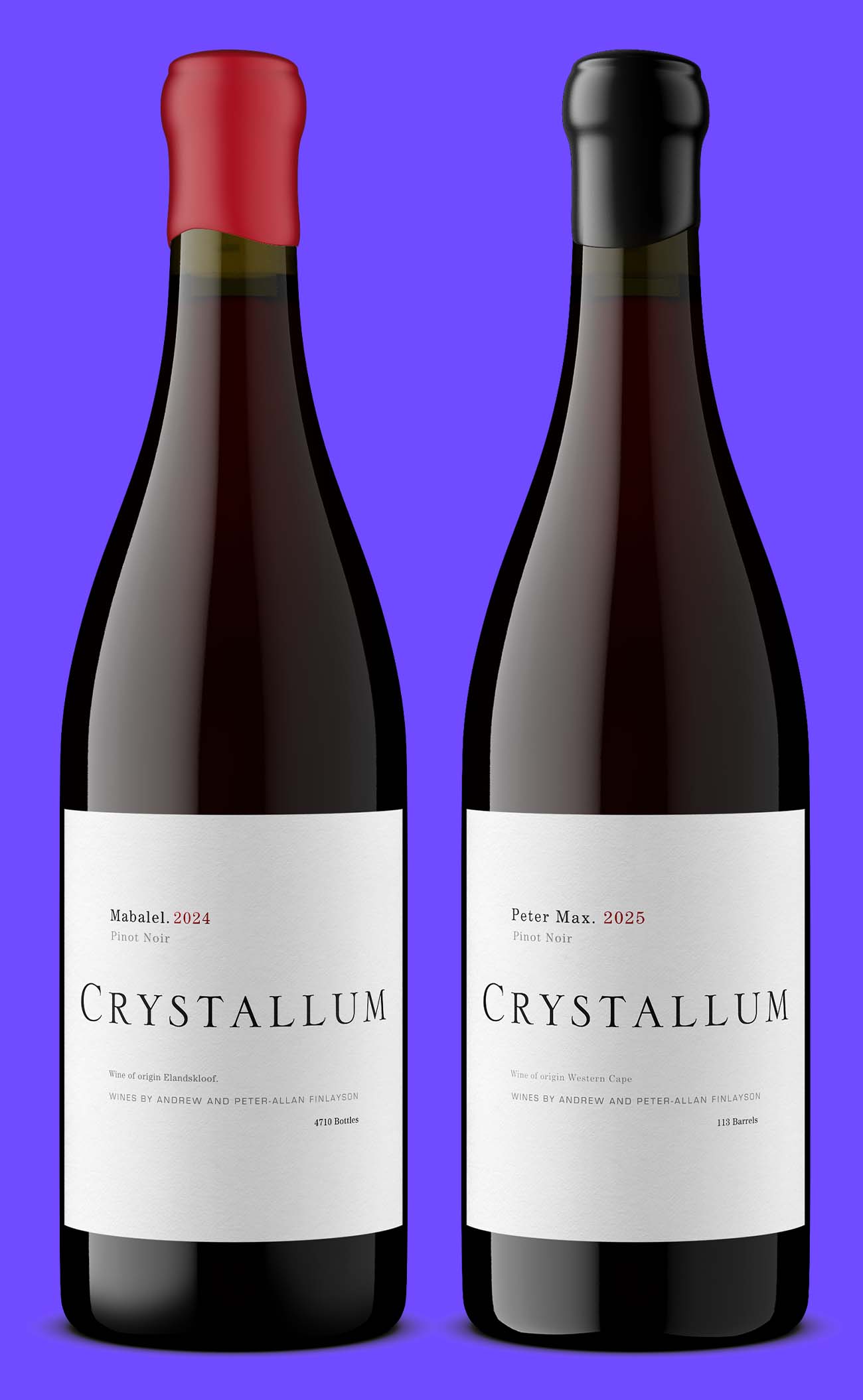
On a finished product image that is a compliance problem, not an aesthetic one. The metadata tag discloses how the image was made, and it does nothing to fix what the image shows. For a side-by-side example, see our label fidelity test on beer bottles.
Why one photo across vintages is now a problem
Google wants a unique image for each variant, and it lists reusing one general photo across distinct products among its image disapprovals. Both lines sit on the same image_link page.
The best practice reads: "Don't reuse one general photo across different product variations." A single generated bottle standing in for three vintages, or for a red and a white from the same producer, fits that pattern.
How to check your feed images for AI metadata
Start from the image URLs in your feed, not your asset folder. A metadata viewer that reads IPTC and XMP fields will show the Digital Source Type on each file, if one is there.
Then sort SKUs into three groups: images from a camera or 3D software, images from a generative tool that still carry the tag, and images from a generative tool that lost it. The last group is the one to fix first.
For each AI-filled SKU, the choice is the same. Keep it, keep the tag and accept the label, or replace it with an image built from the label file.
Product images built from the label file
An image built from the label file carries none of the three obligations above, because nothing in it was generated. Product fidelity comes from construction, not correction: the label file is placed on a verified container model, never redrawn, so there is no text to hallucinate.
Outshinery Studio Product Shots are built from your label file by a trained 3D artist. Every Studio image is then checked against your brief by a second person: our production lead, who reads every brief and turns it into the artist's instructions.

The person who checks an image is never the person who built it.
Outshinery Lite is the self-serve route for standard wine, cider and beer bottles. There is no AI step in Lite: your label file is placed on 3D bottle geometry from the Lite library.
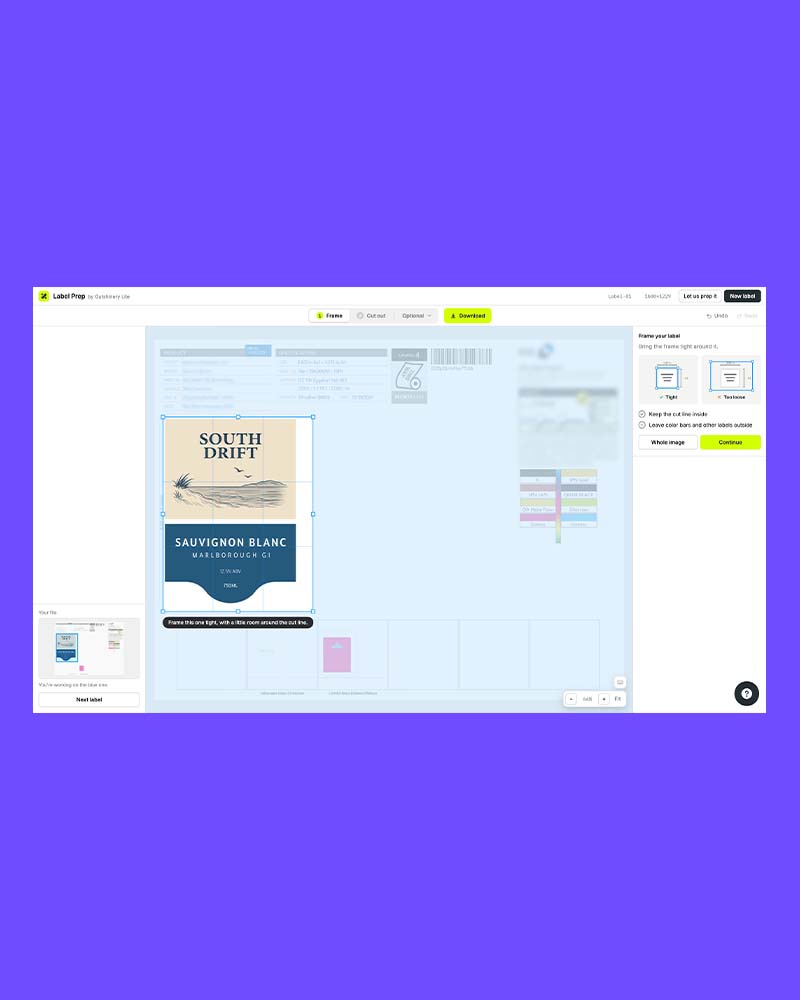
If you have the label artwork but not a ready file, the free Label Prep tool prepares it in your browser. For how Outshinery compares with generative tools more broadly, see Outshinery vs generative AI and CGI vs AI: what beverage brands must disclose in 2026.

For the rest of Google's image rules, see how to make your bottle images Google-ready and the image size and format guide for wine ecommerce.
Frequently asked questions
Does Google ban AI-generated product images?
No. Google accepts AI-generated product images in Merchant Center as long as they carry metadata saying they were made with generative AI and meet the other image rules. The images remain subject to the Misrepresentation policy, so a generated label that misstates the product is still a policy problem.
Can Google detect AI-generated images?
Google relies on machine-readable signals. It asks for the IPTC Digital Source Type tag on every generated image, and it embeds SynthID watermarks and C2PA markup in images made with its own AI tools. Its AI label page also says Google may label assets when it gets signals to do so from other platforms, and those labels cannot be overwritten.
Does a missing AI tag cause a disapproval?
Google does not say so. Its image_link page states the metadata requirement in its own section, separate from the list of image disapprovals, and uses "must contain" language. Treat the tag as required on every generated image.
How to check image metadata for AI?
Open the image at the URL your feed serves in a metadata viewer that reads IPTC and XMP fields, and look for Digital Source Type. A value of trainedAlgorithmicMedia, compositeSynthetic or algorithmicMedia means the image is declared as AI or algorithm-made.
Does a 3D product image need an AI tag?
Google's requirement covers images created using generative AI. IPTC has a separate code, digitalCreation, for media created by a human using non-generative tools, which describes a 3D image built without a generative step. Any generative edit, such as an AI background or inpainting, moves the image into the AI codes.
The AI image check for your product feed
- Source: The file at your image_link URL, not the copy in your asset folder
- Tag: Digital Source Type present on every image made with a generative tool
- Pipeline: Tag re-checked after export, background removal, compression and hosting
- Label text: Appellation, vintage, ABV and volume read letter by letter against the real label
- Variants: A separate image for every vintage and every SKU, never one photo for several
- Ad targeting: AI-labeled SKUs flagged before any campaign aimed at the EU, India or New York
One check per SKU now costs less than a listing Google labels for good.