Producers hear these words from designers, agencies, and imagery providers, but they are rarely defined in one place.
This is the vocabulary of how a beverage product image is made, what types exist, and how it reaches each channel. Knowing it means briefing faster, approving with confidence, and catching a problem before it lands on a buyer's screen.
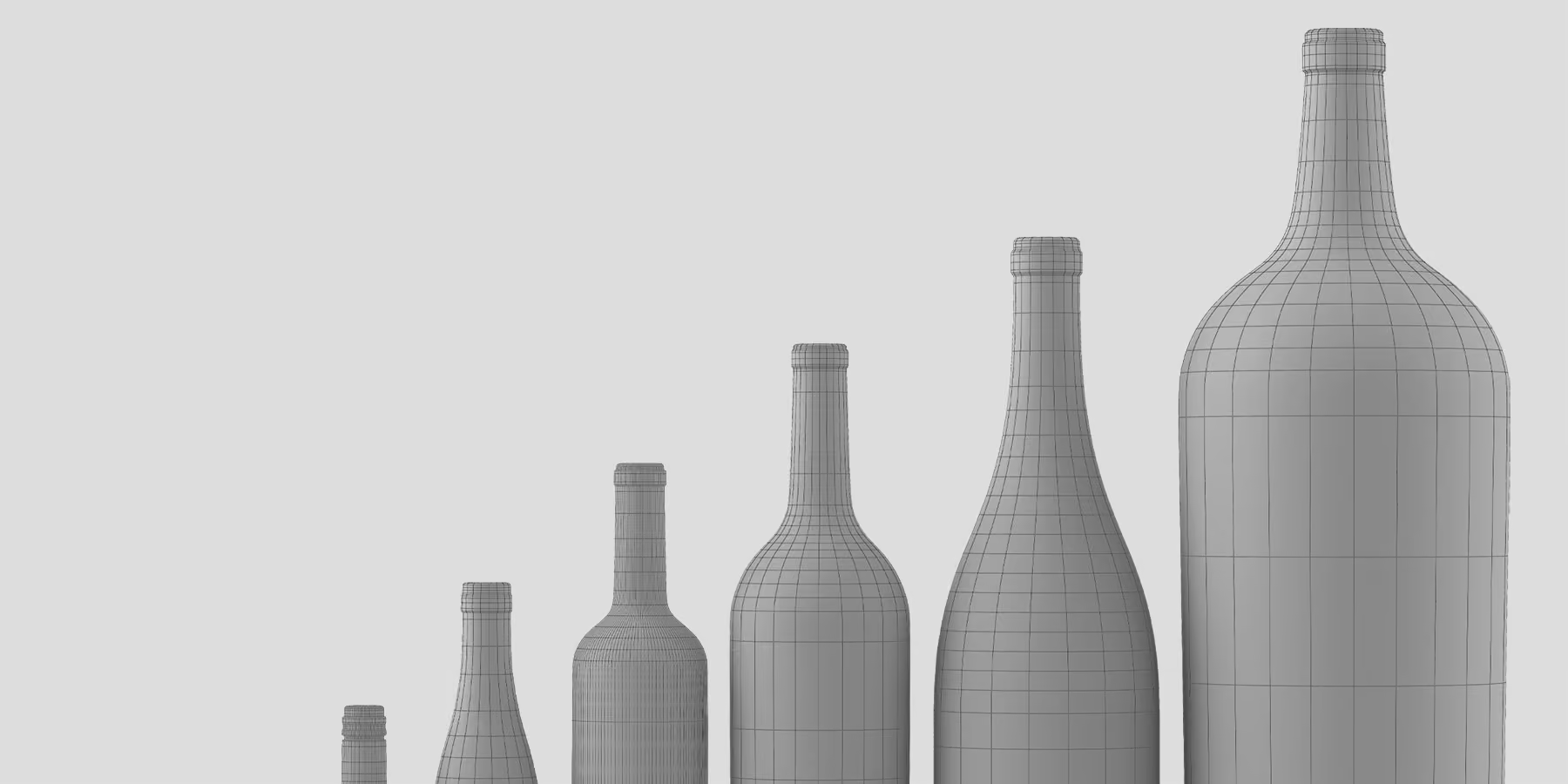
3D model: The digital geometry of a product, its shape, surfaces, and material properties, built once and reused for every future image.
Digital twin: The 3D model Outshinery Studio builds of a specific product. Once it exists, every later image, vintage updates, new angles, lifestyle scenes, and video, comes from that one model, which is what makes ongoing updates fast and low cost.
CGI: Computer-generated imagery, the film-grade rendering technology behind Outshinery's images. It produces photorealistic results with no camera, no physical product, and no photoshoot.
3D rendering (render): The process of generating a photorealistic image from a 3D model under set lighting. A render is also the output file, and render quality and time factor into turnaround.
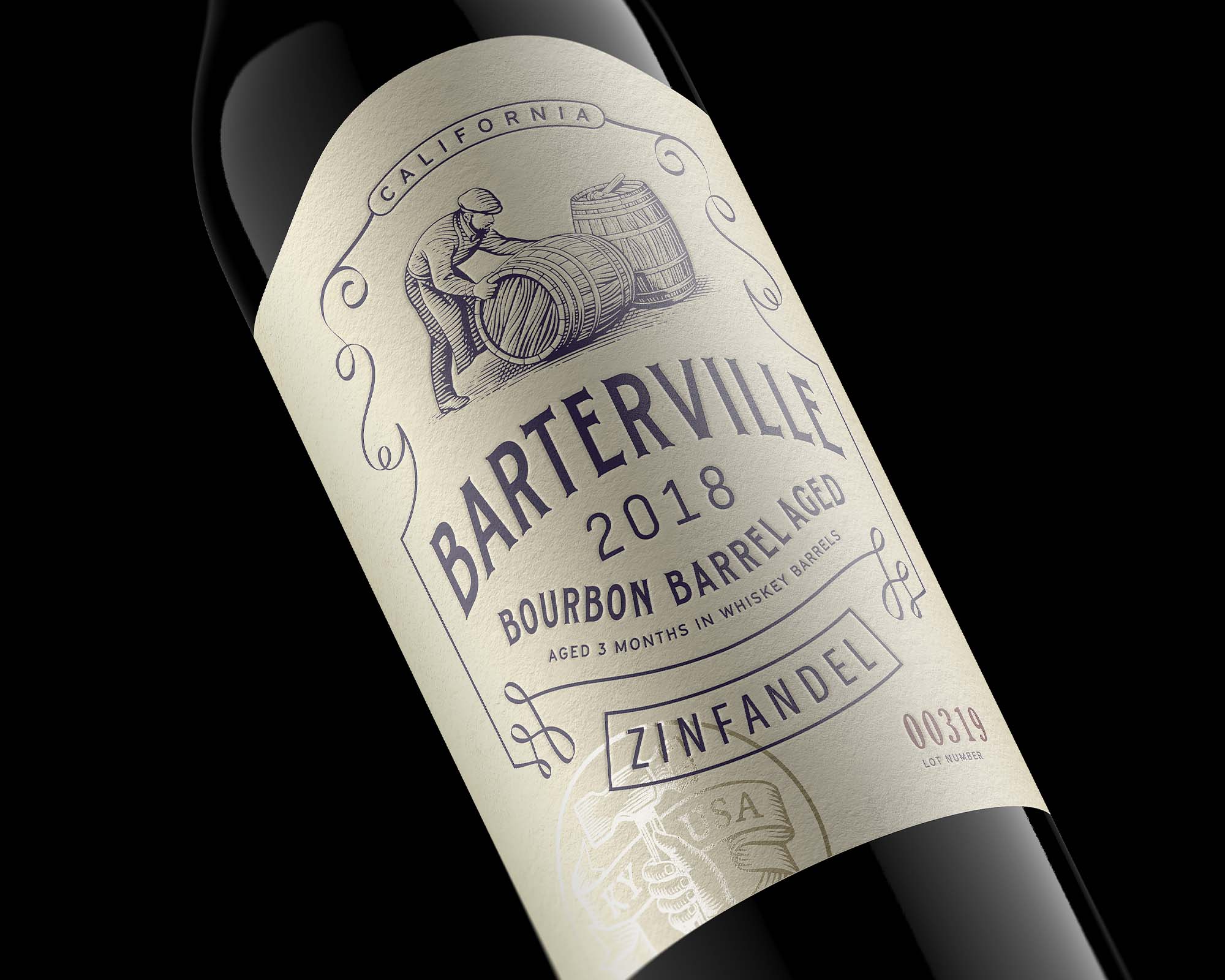
Photorealism: Image quality indistinguishable from a photograph: glass, liquid, label stock, foil, and lighting all behaving the way they do in the physical world. The bar a render has to clear before it can stand in for photography on a product page.
Mockup: A flat template image where artwork is pasted onto a generic photo of a bottle or can to preview a label. It is quick but not photorealistic: the lighting, reflections, finishes, and the real container shape are faked. A render, by contrast, is built from the actual 3D model and container, so it holds up as a real product image rather than a preview.
Generative AI image: An image produced by a prompted AI model rather than rendered from a 3D model. Fast for exploration, but the model redraws the product as it generates the frame instead of holding it as a fixed asset, so shapes, fill lines, and proportions drift from the real packaging, and lettering often breaks in ways that look plausible at a glance. On a finished product image that is a compliance problem, not just an aesthetic one.
Scene: The environment a product image is staged in, a rendered 3D set, a photographed backdrop, or a solid studio background. The scene is chosen and lit around the product, not the other way around.
Compositing: Combining separate elements into one final image, for example placing a rendered bottle into a photographed scene, with the lighting on the product matched to its surroundings so the join is invisible.
Retouching: The manual editing pass photography needs after a shoot, removing dust and unwanted reflections, correcting color, cleaning up the background. With a render, most of what retouching fixes never happens, because lighting and surfaces are controlled at the source.
Bottle shot: The standard product image of a bottle on a clean or transparent background, used in e-commerce listings, distributor decks, and catalogs. The most common term producers use for what Outshinery delivers.
Hero shot: The primary product image, typically a front-facing bottle or can on a clean or transparent background, the lead image in a listing or deck.
Beauty shot: An image that prioritizes visual appeal over catalog utility, using dramatic lighting, reflections, props, or a styled setting, for campaigns and social.
Splash or pour shot: A beauty-shot style built around motion, liquid pouring, splashing, or condensation beading on the glass, used to bring energy to campaign and social imagery.
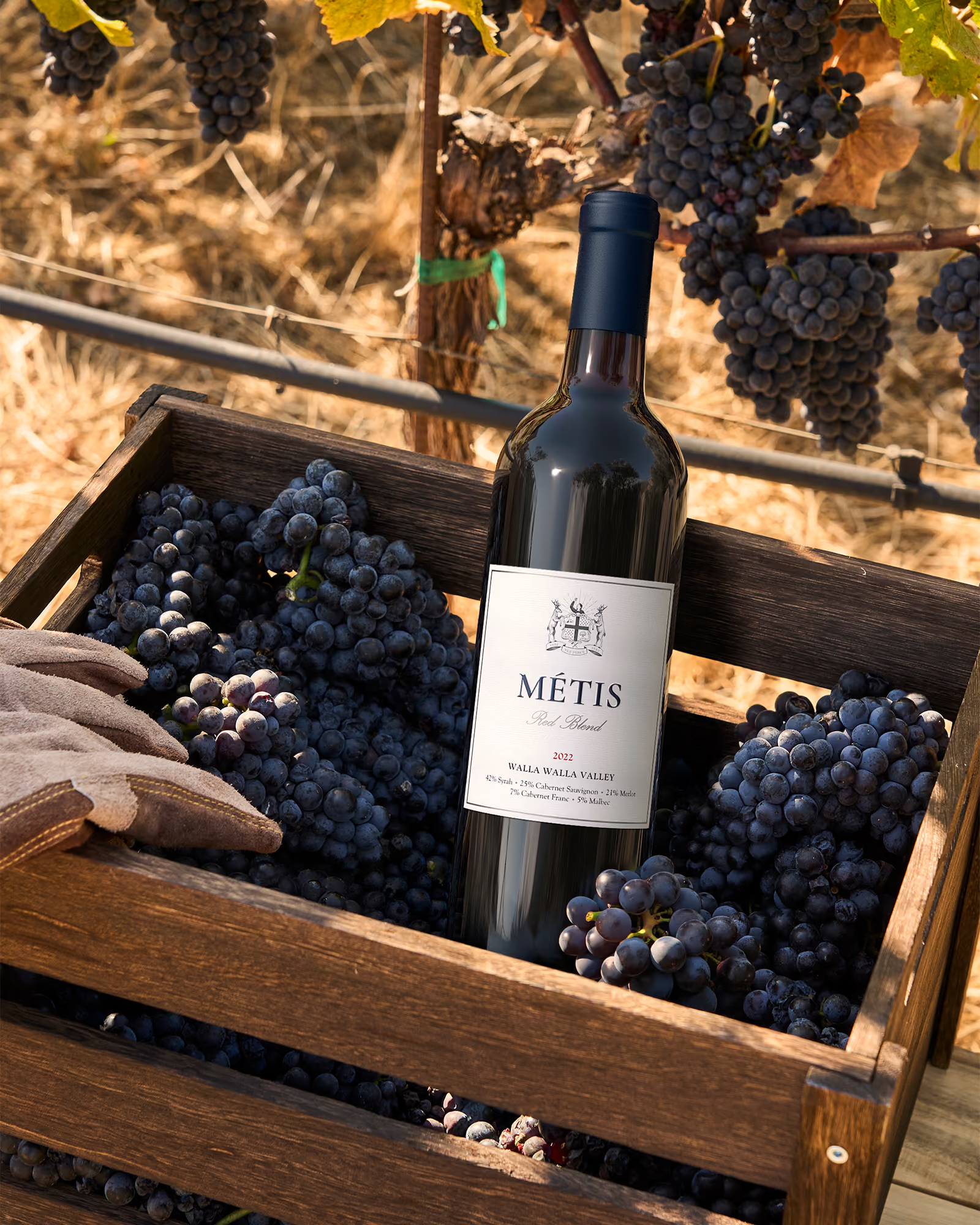
Lifestyle image: An image that shows the product in a real-world context, a table, a kitchen, a restaurant, outdoors, used for direct-to-consumer marketing, social, and editorial.
Detail shot (close-up): A tight crop on one part of the packaging, the foil, the deboss, the closure, the label texture. Used in carousels and campaign pages to show the craft a full-bottle view cannot.
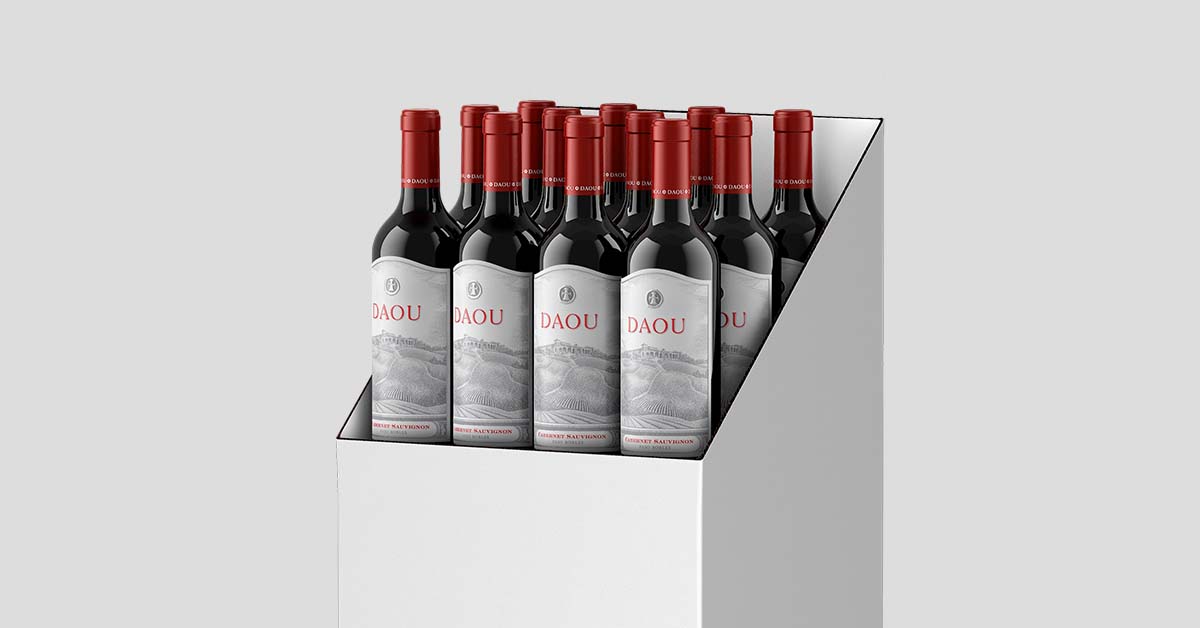
Bank view: Several bottles or cans shown together in one image, conveying volume and portfolio breadth. Required by some retail and marketplace channels, and produced from the same 3D model as the hero shot.
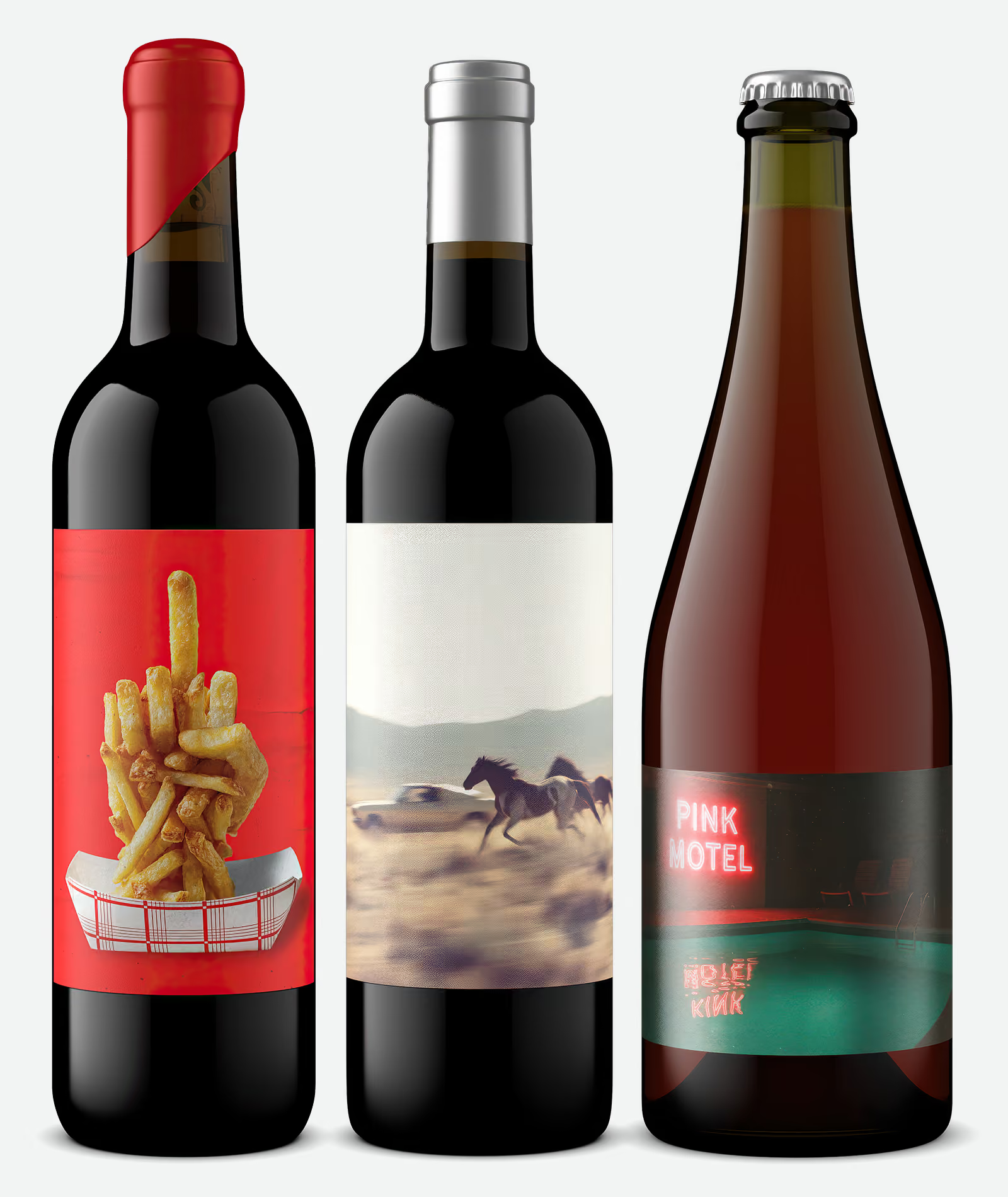
Portfolio shot (lineup or range shot): A brand's products shown together in one image to convey range and family resemblance. It is the marketing-facing cousin of the bank view, which is the same idea sized to a specific retail or marketplace spec.
Flat lay: An overhead image of the product arranged with props on a flat surface, popular for social and editorial. A styled lifestyle format shot from directly above.
Packshot: The broader industry term for a clean product image of the packaging on a plain background, used across consumer goods. For a bottle, a packshot and a bottle shot mean the same thing.
360 spin: A set of renders at evenly spaced angles combined into an image a shopper can rotate. Because every angle comes from the one 3D model, a spin is far cheaper to produce than photographing a rotation.
Interactive 3D viewer: A live, on-page tool that lets a shopper rotate and zoom a product, driven by the same 3D model behind the still renders. It goes a step beyond a 360 spin, which is a fixed set of frames.
Vintage update: Replacing the vintage year, or any small label revision, on an existing product image. With photography this means a reshoot; with a digital twin, the updated label file goes onto the existing model and the image is re-rendered. This is the update that ends the habit of reusing old shots with the wrong year on them.
Transparent background (PNG): A PNG with no background, so the product floats and drops onto any color or scene. Outshinery's default output and what most e-commerce platforms require.
Knockout (clipping path): A product image with its background removed so the product sits on transparency or a solid color; the clipping path is the outline used to cut it out. With a render the knockout is clean by default, because there is no real background to remove.
Silo image: A clean, single-product cut-out on a white or transparent background, the e-commerce standard for catalog and marketplace listings. Siloed means isolated from any scene, and with a render the silo is clean by default.
White background (Amazon main image): A shot on pure white that fills most of the frame with no props or text, the format Amazon requires for a main image. Different from a transparent PNG, where the background is empty rather than white.
Carousel images (gallery): The set of images on a product detail page that a shopper swipes or clicks through, the hero shot first, then supporting angles, bank view, lifestyle, and close-up detail shots. Also called the product gallery, and a complete one, all from a single 3D model, is what a strong PDP needs.
Aspect ratio: The width-to-height proportion of an image. Each channel has its own: square for most listing thumbnails, vertical for social stories, wide for site banners. A render is generated at the exact ratio a channel needs, rather than one photo cropped to fit them all.
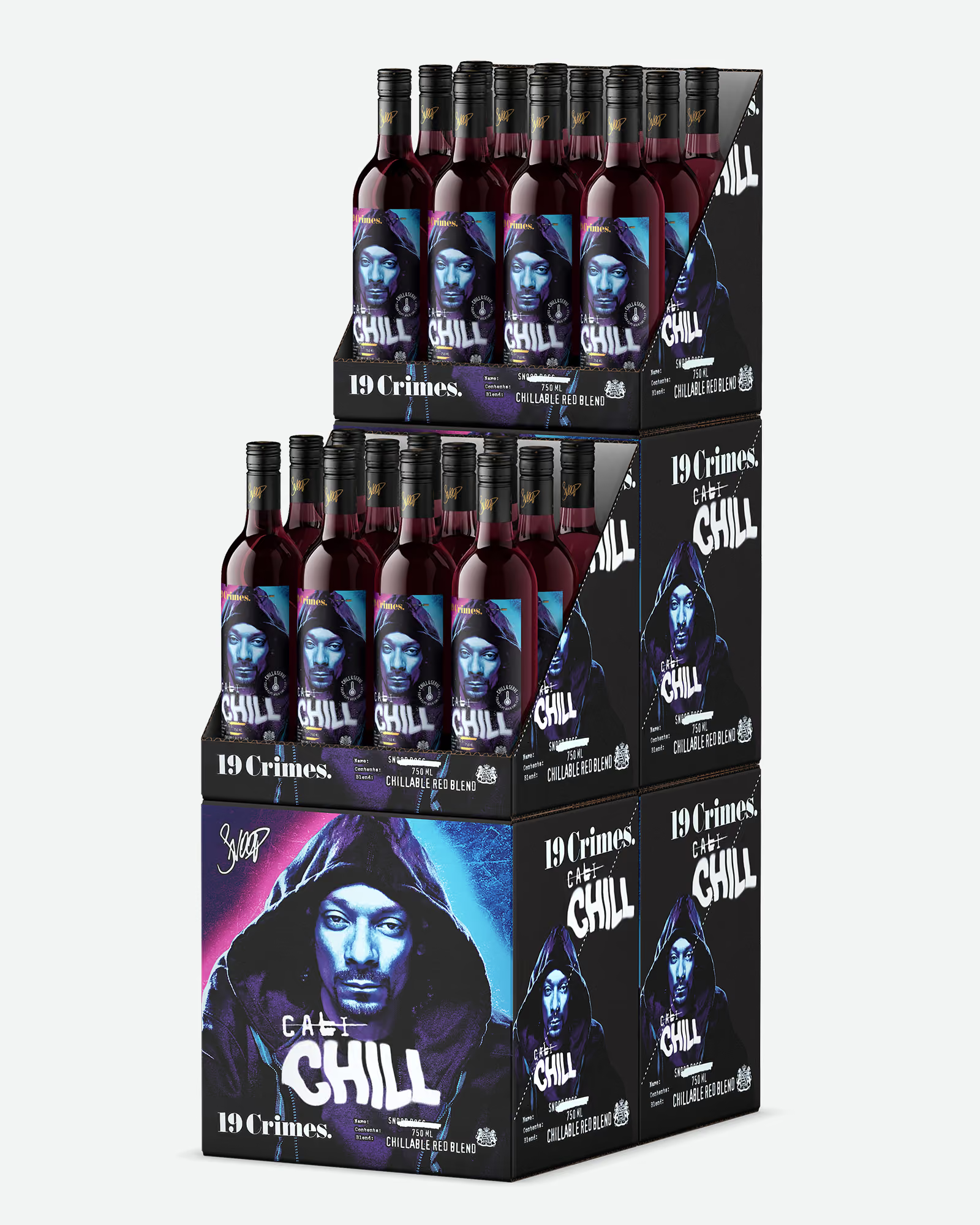
Shipper shot: An image of the full outer shipping carton as it arrives to retail, required by large-format buyers for logistics and receiving.
Case stack: An image of multiple cases stacked as they would appear on a pallet or in a warehouse, required for large-format retail placement alongside the shipper shot.
Raster file: An image made of pixels that loses quality when enlarged. A 300 DPI raster at the correct size is acceptable, but low-resolution raster artwork is the single most common source of label submission problems.
Vector file: Artwork stored as mathematical paths rather than pixels, so it scales to any size with no quality loss. Label artwork should be vector, an .ai file being the standard, which is why imagery providers and printers both ask for it. Full requirements live in the
label file guidelines.
Alt text: The written description attached to an image on a web page, read by screen readers, search engines, and AI systems. Good product-image alt text names the product, the format, and the context, and it is part of how a bottle shot gets found rather than just seen.
Usage rights (image licensing): The terms that govern where and for how long an image may be used. Traditional photography often carries per-use or time-limited licensing fees; Outshinery images include unlimited usage rights, so one render can run on every channel without renegotiation.
Digital asset management (DAM): The system larger organizations use to store, organize, and distribute digital files, including product images. Outshinery outputs are built to slot into a DAM without reformatting.
Product information management (PIM): The system retailers and brands use to manage product data, including images and specs. Retailers often pull images straight from a supplier's PIM.
Most of this vocabulary exists to answer three questions: how was the image made, what kind of image is it, and does it meet the spec of the channel it is headed to.
A producer who can name the difference between a mockup and a render, or a hero shot and a bank view, briefs in one round instead of three. And a brand whose images all come from one 3D model gets the thing every channel quietly demands: the same product, looking the same, everywhere it appears.